Loading
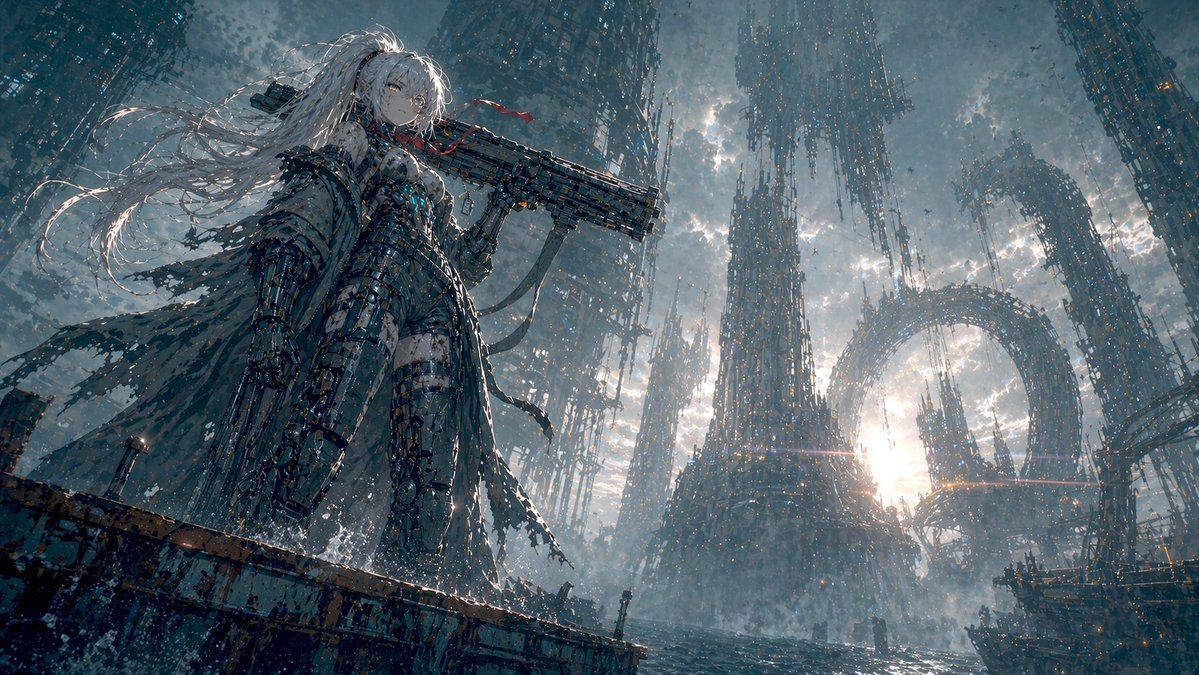
Create the frame. Direct the motion.Image to controllable video.
Generate a frame, draw how it should move, and turn it into a finished video in one workspace.
✓ No timeline editor✓ 50 free credits✓ Commercial use
Start a creation
Choose a format and describe the result.
Start with the job
Choose the creative problem you need solved.
Each workspace turns a focused brief into the right image and video workflow. No blank canvas, no tool hunting.
Real outputs from real prompts.
Browse 16+ images and videos made with VidLuma, from character cards and product shots to FPV flights and cooking animations.
View all showcase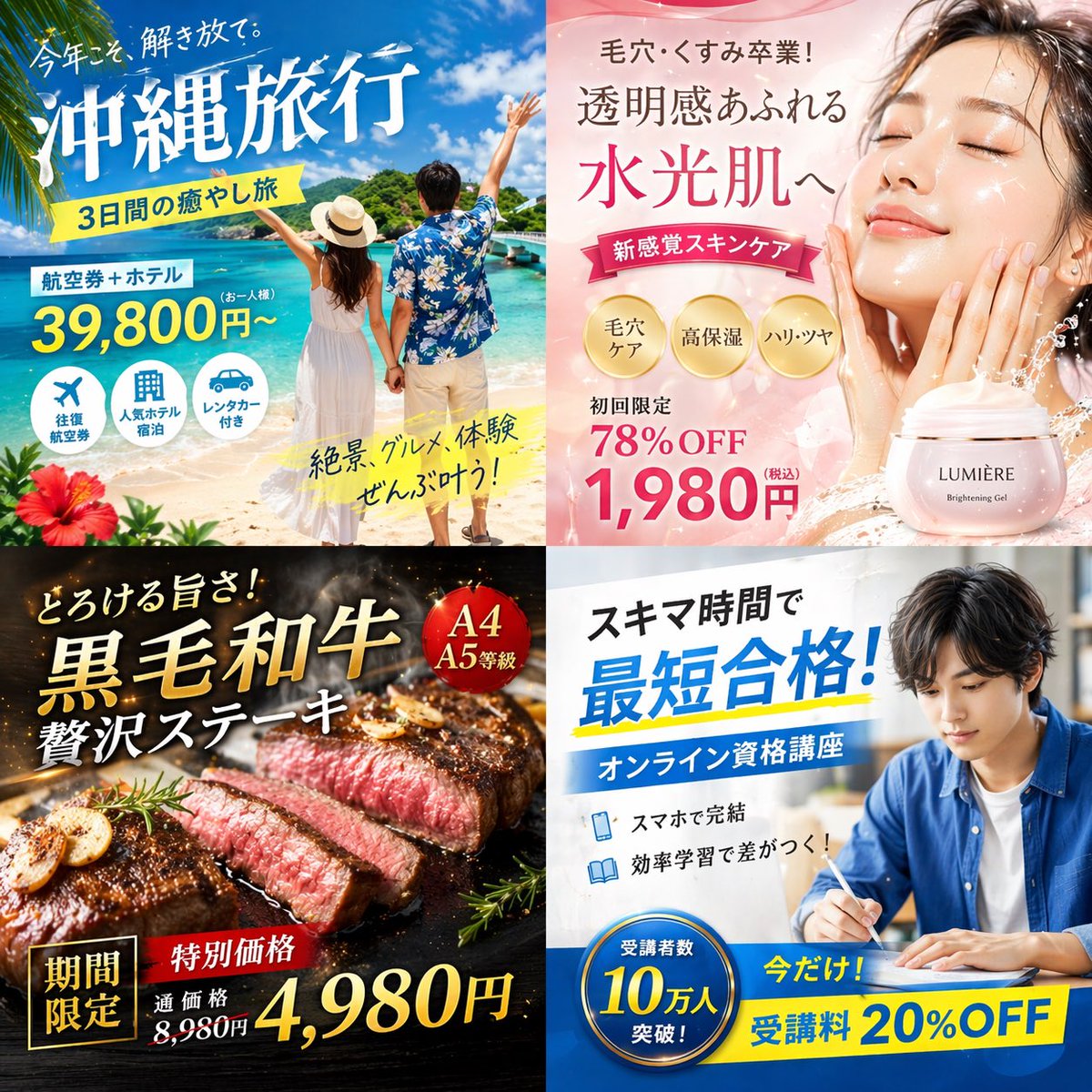
4-Panel Japanese Digital Ad Banner Grid
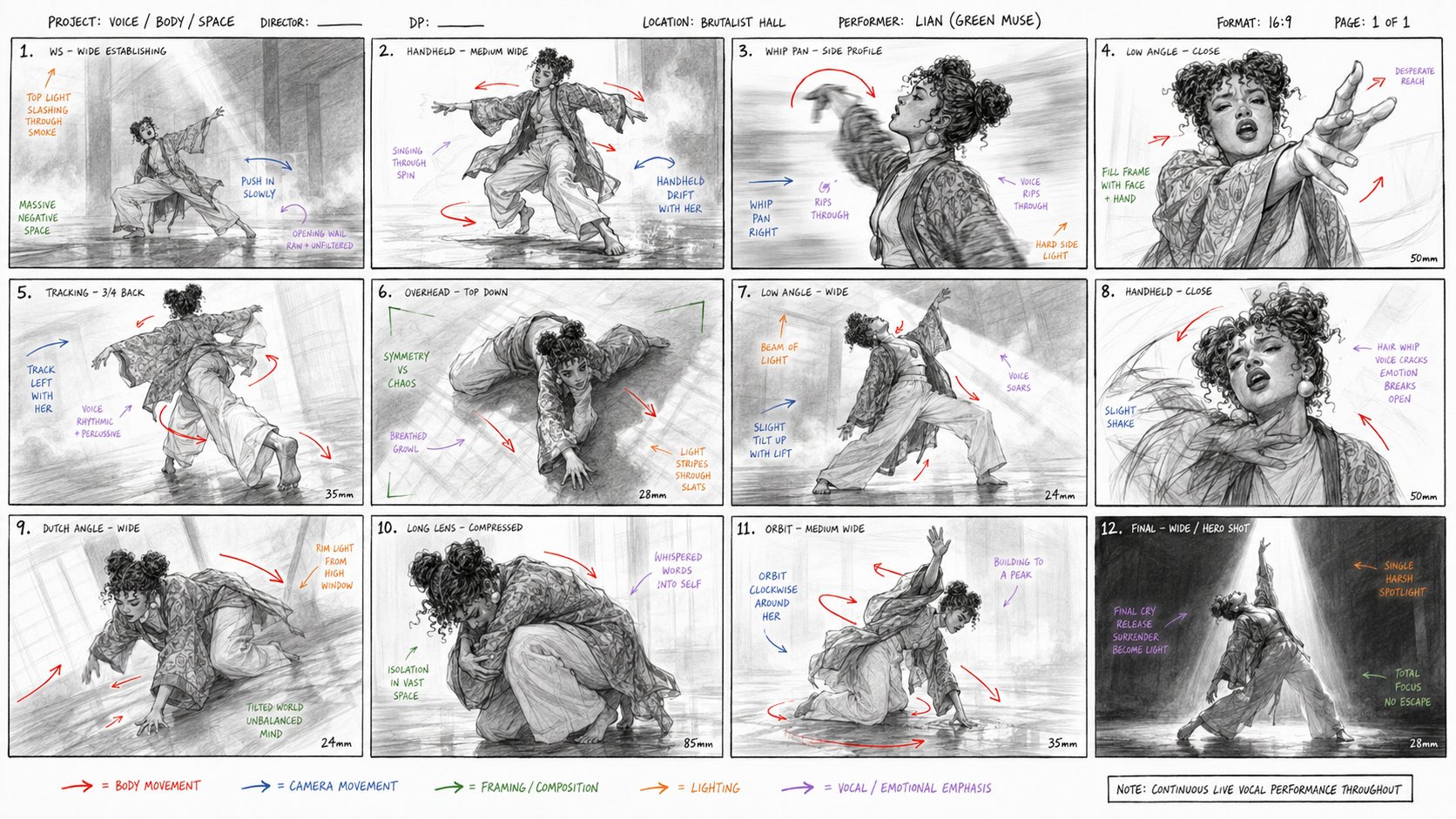
Video
Character card → street dance video
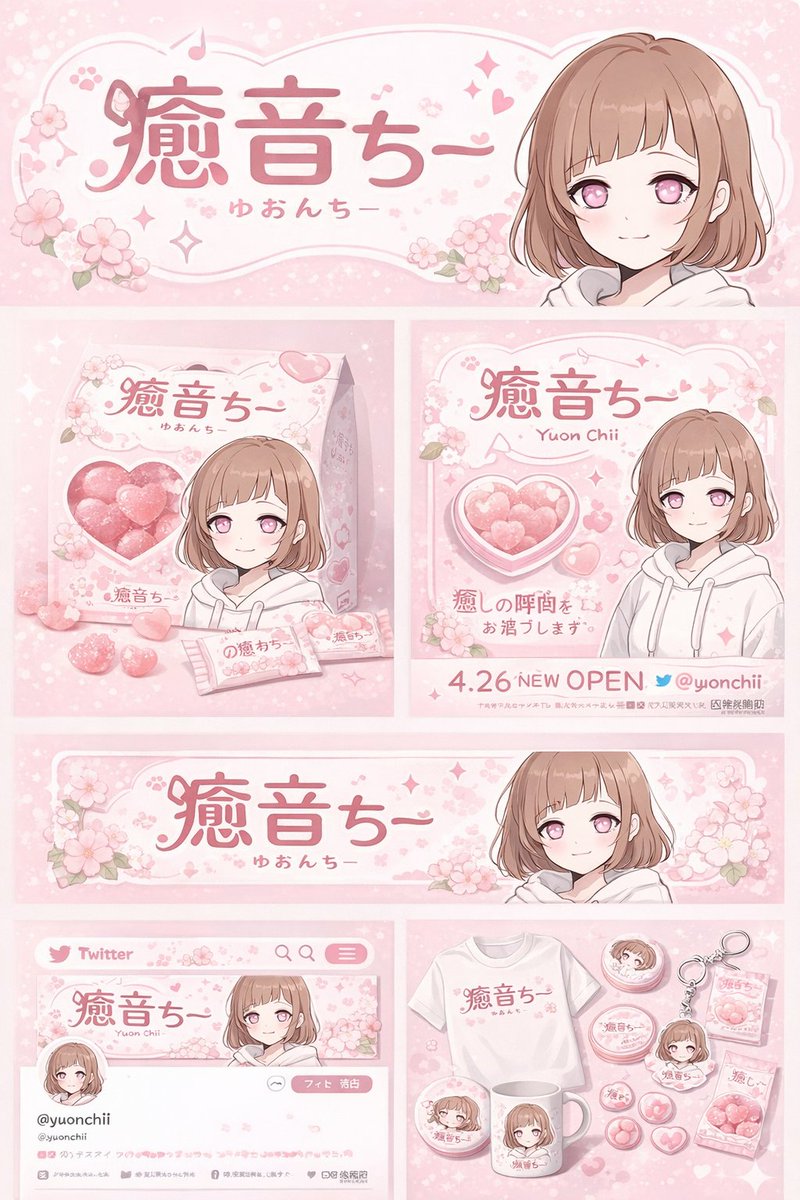
Anime Character Brand Identity & Merch Board
Video
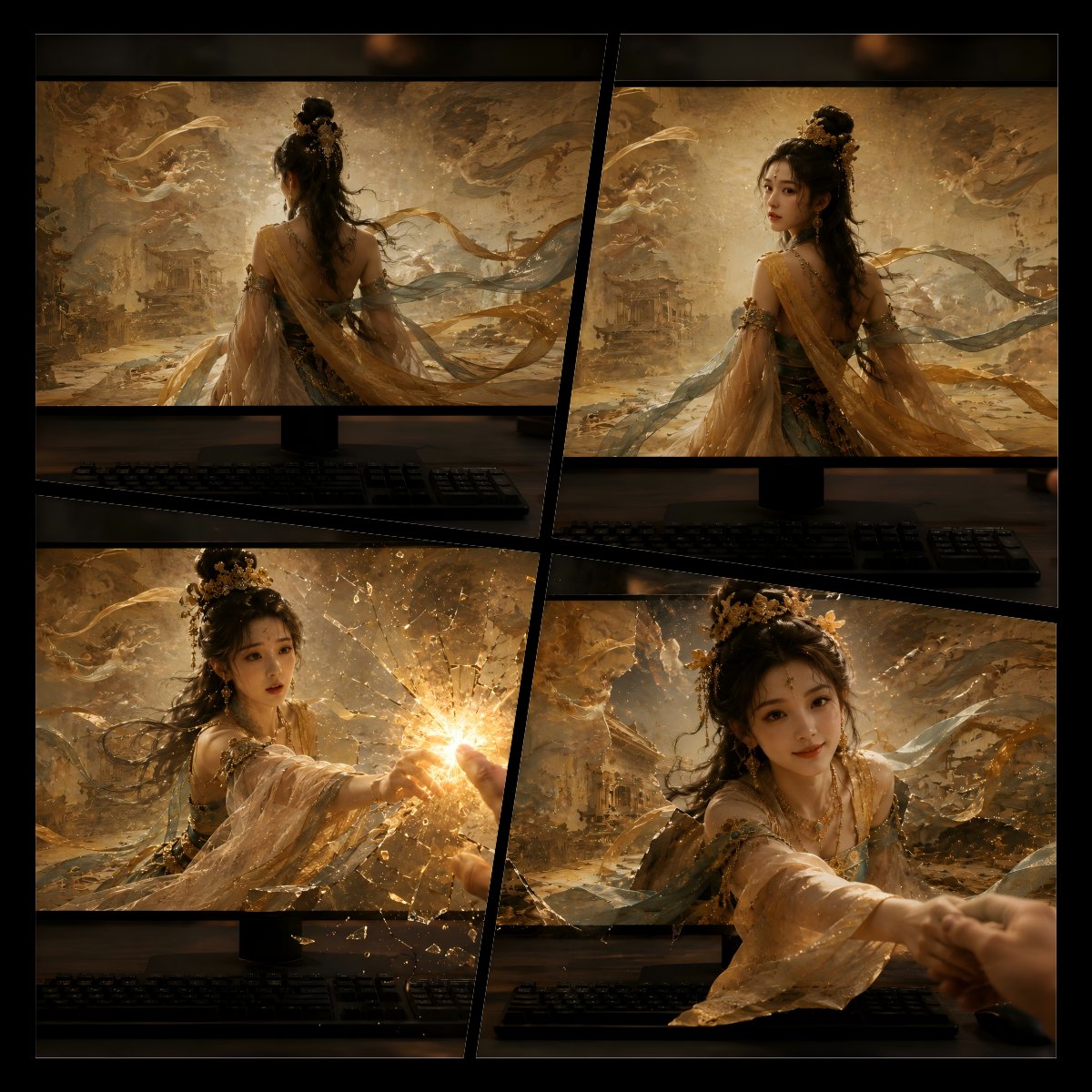
Dimension-breaking (Dunhuang apsara)

Dark Mode Marketing Case Study UI
Video
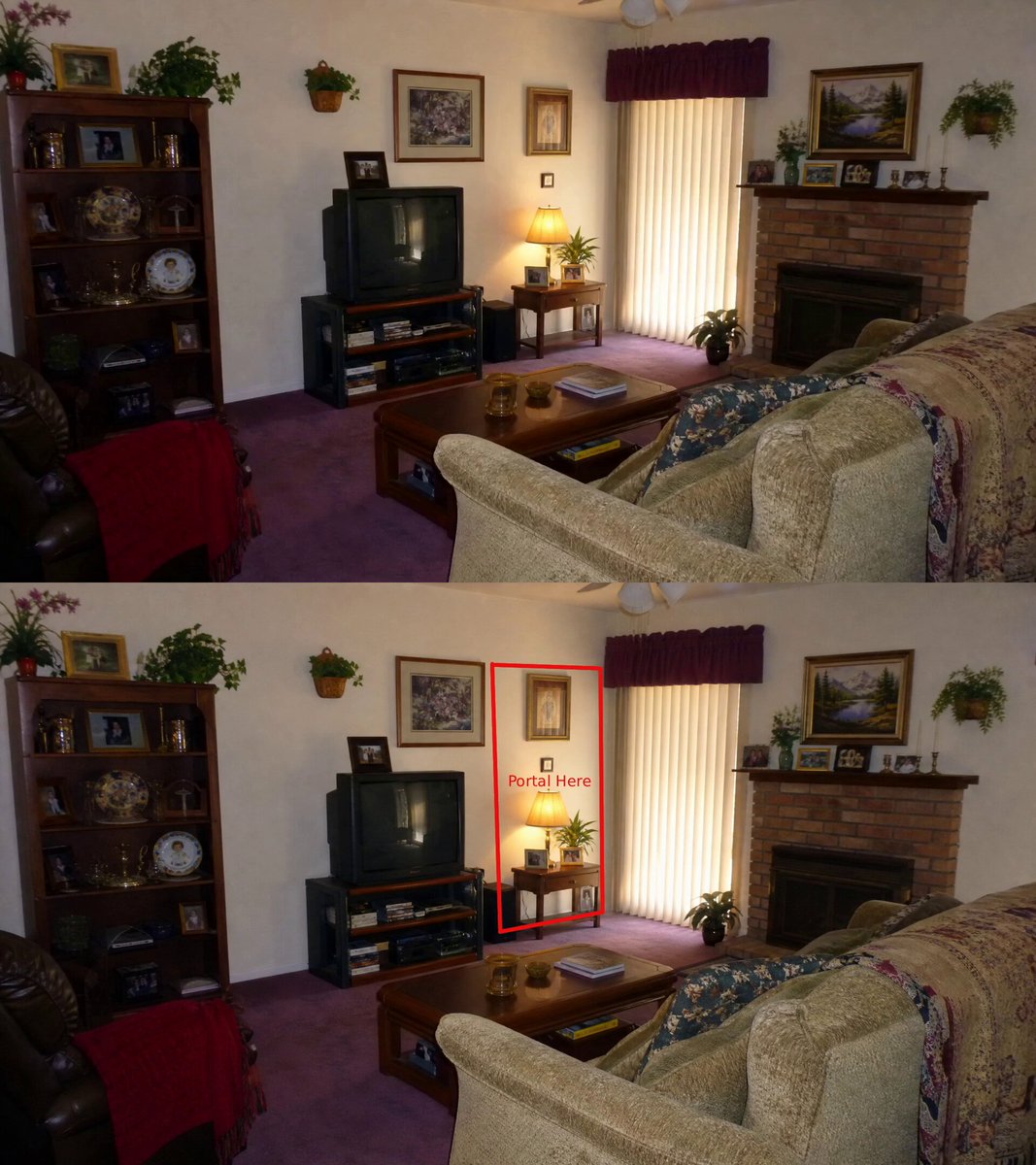
Annotated portal rift animation
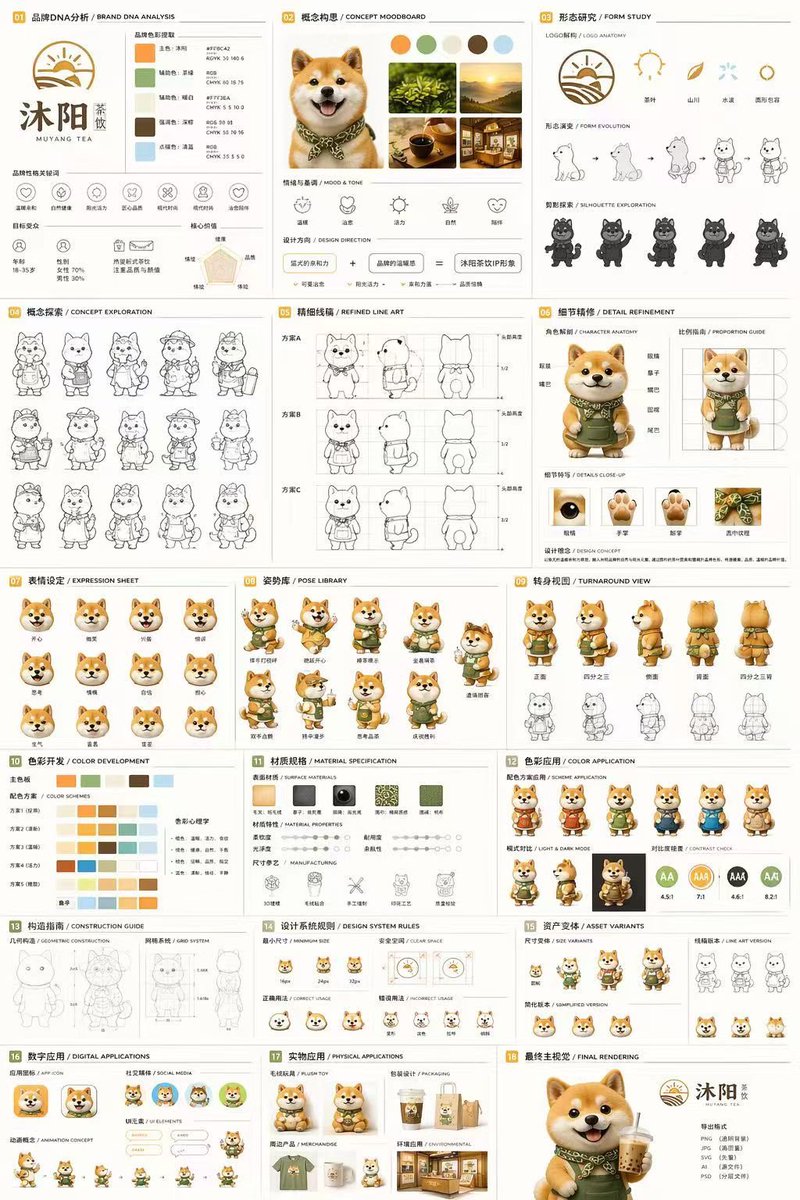
18-Panel Mascot Brand Identity Document
Video
Night city selfie vlog
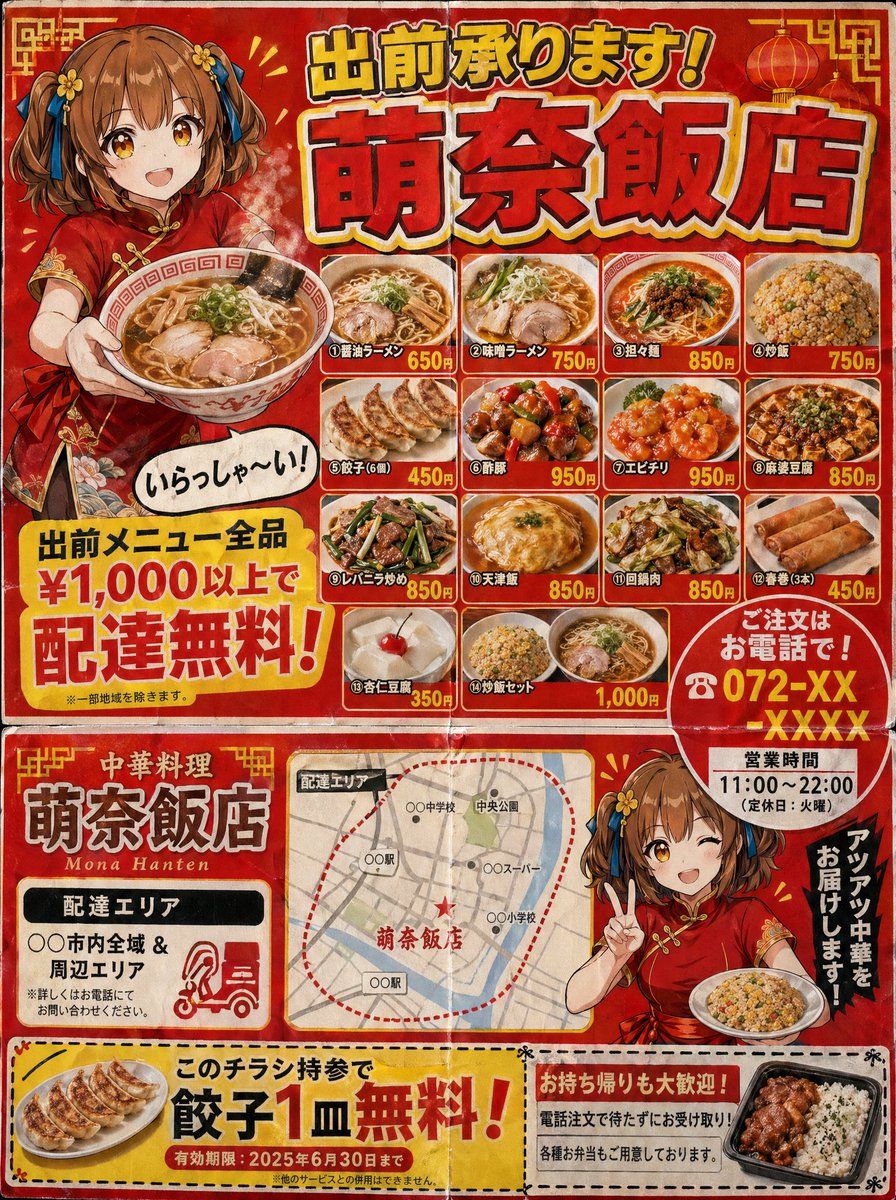
Japanese Chinese Food Delivery Flyer
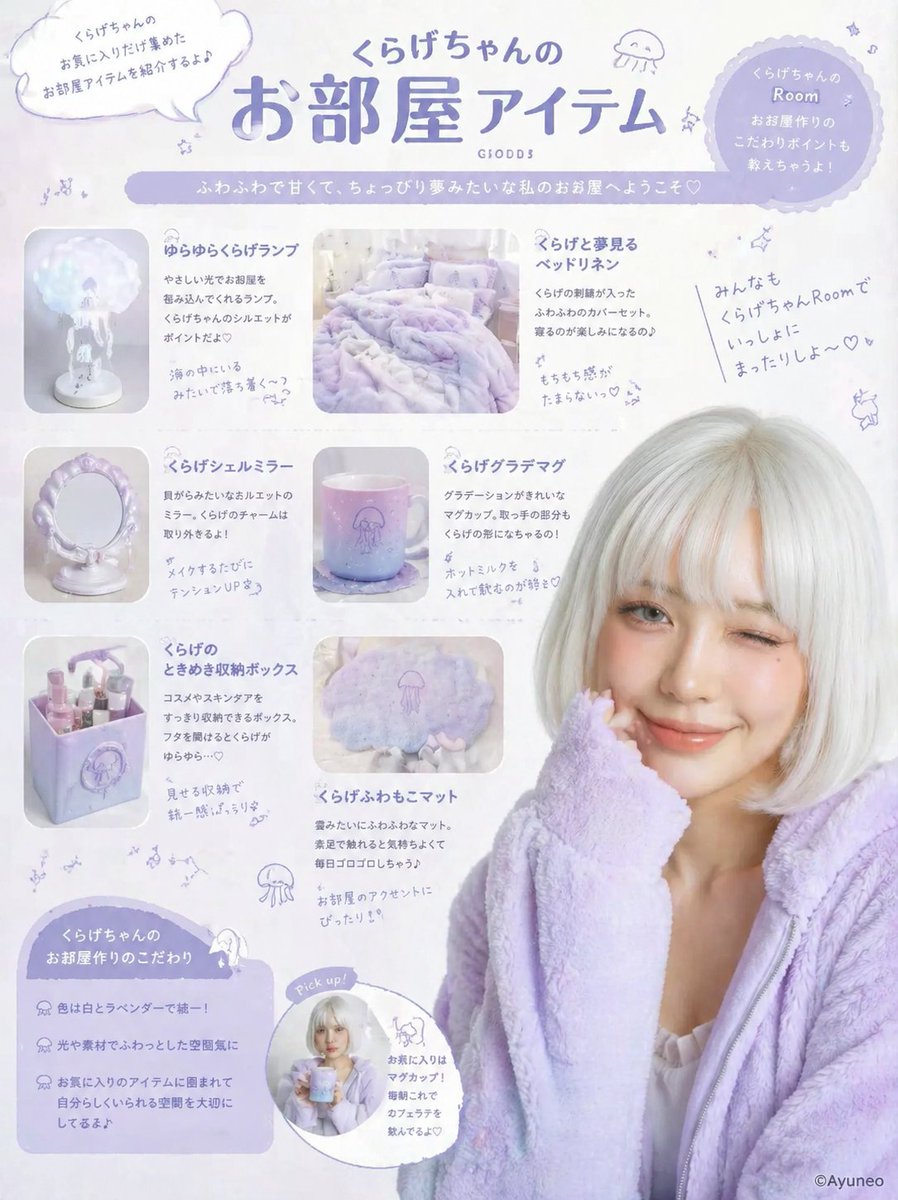
Pastel Jellyfish Room Goods Poster
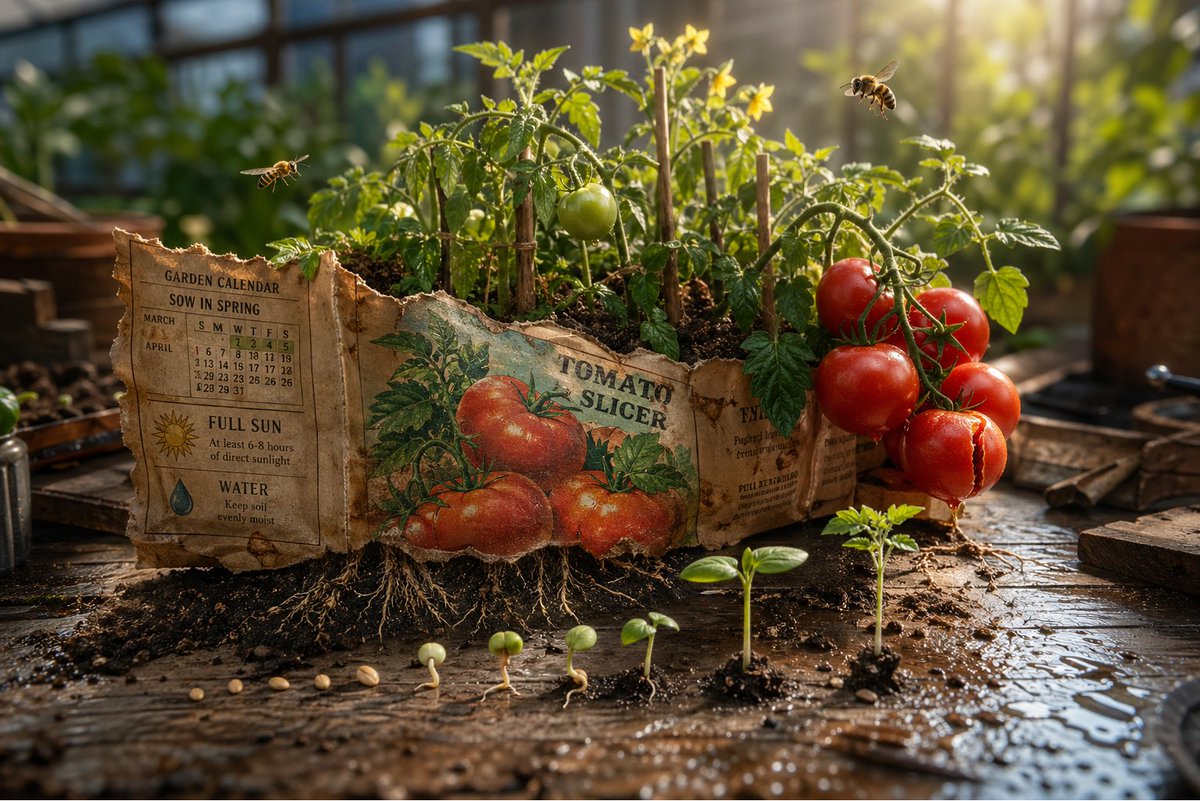
Magical Seed Packet Diorama
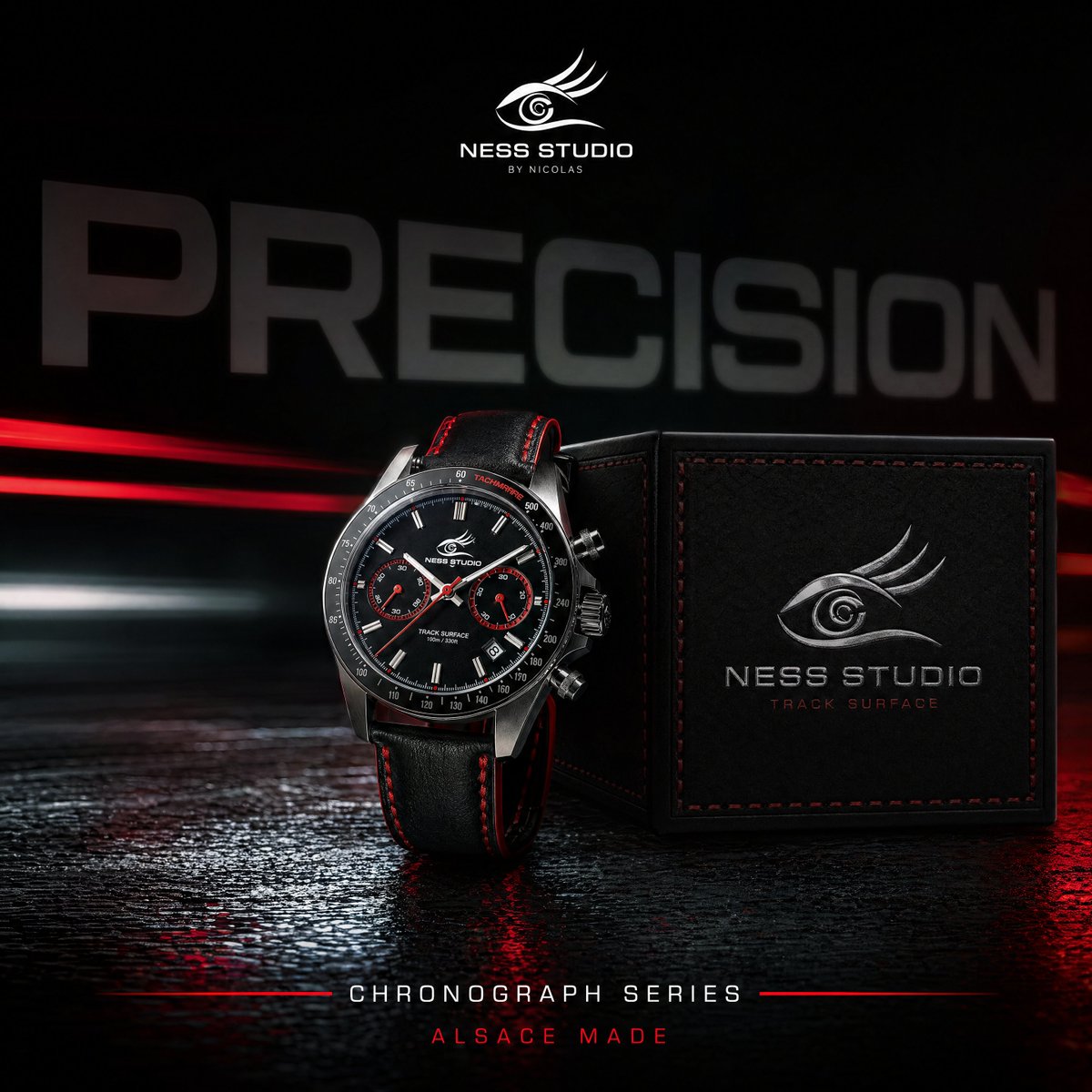
Luxury Chronograph Watch Ad
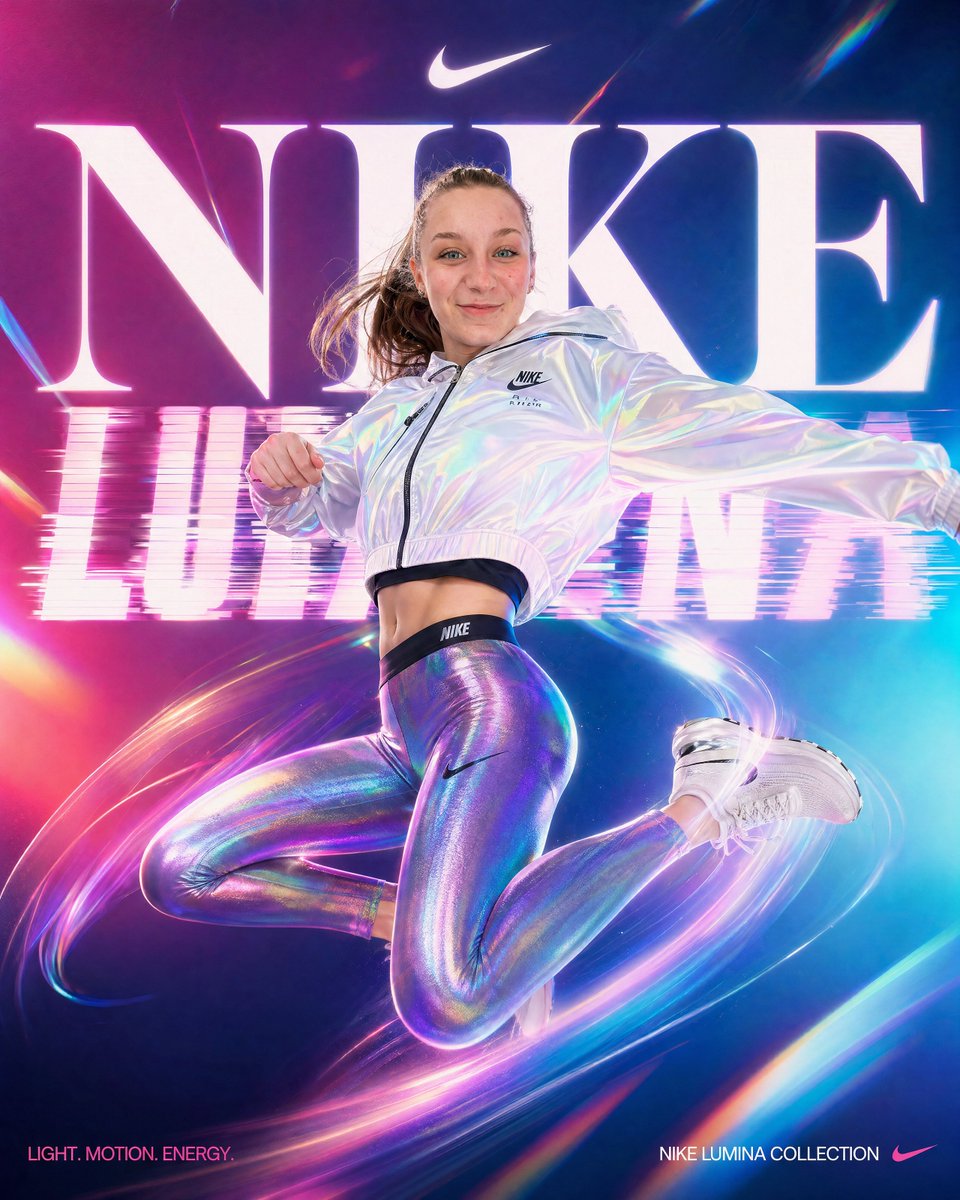
Neon Nike Lumina Ad Poster
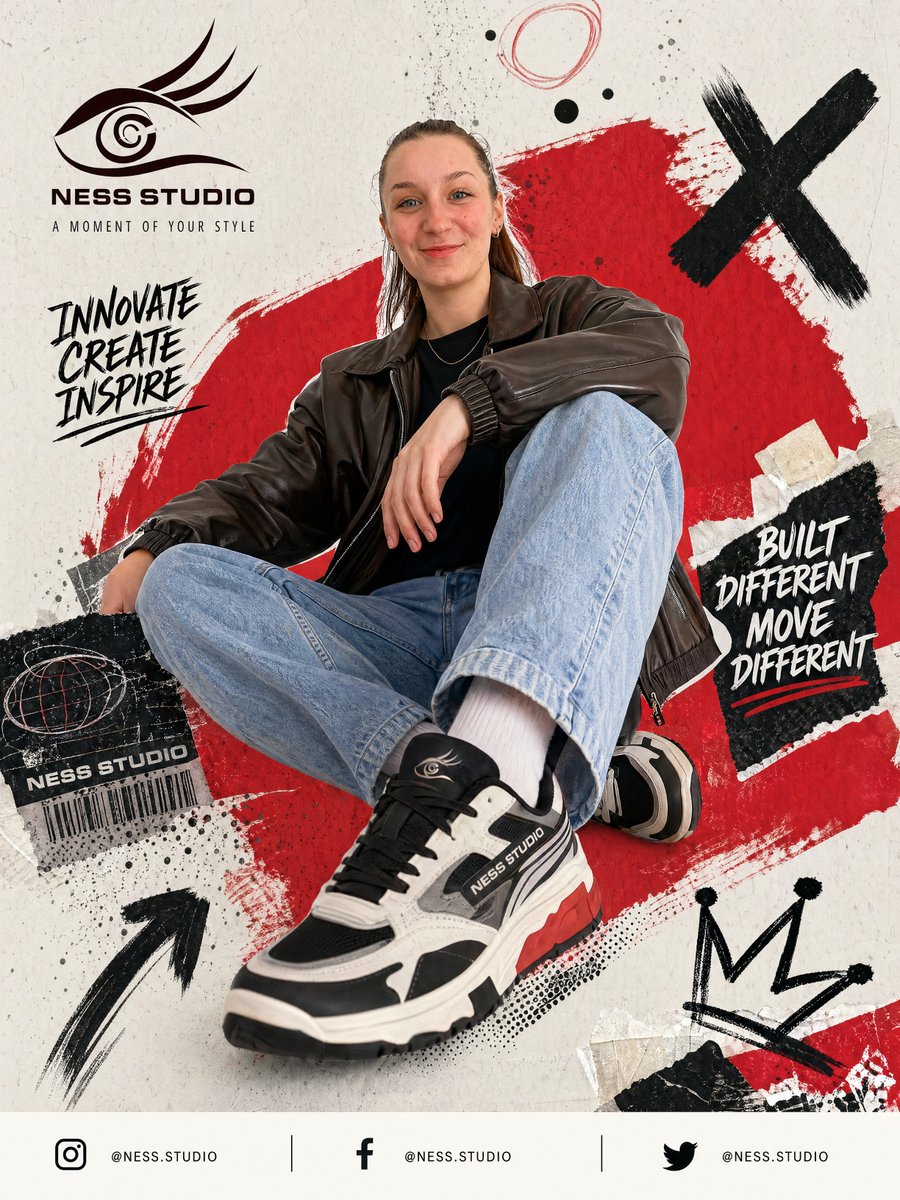
Streetwear Sneaker Poster Ad
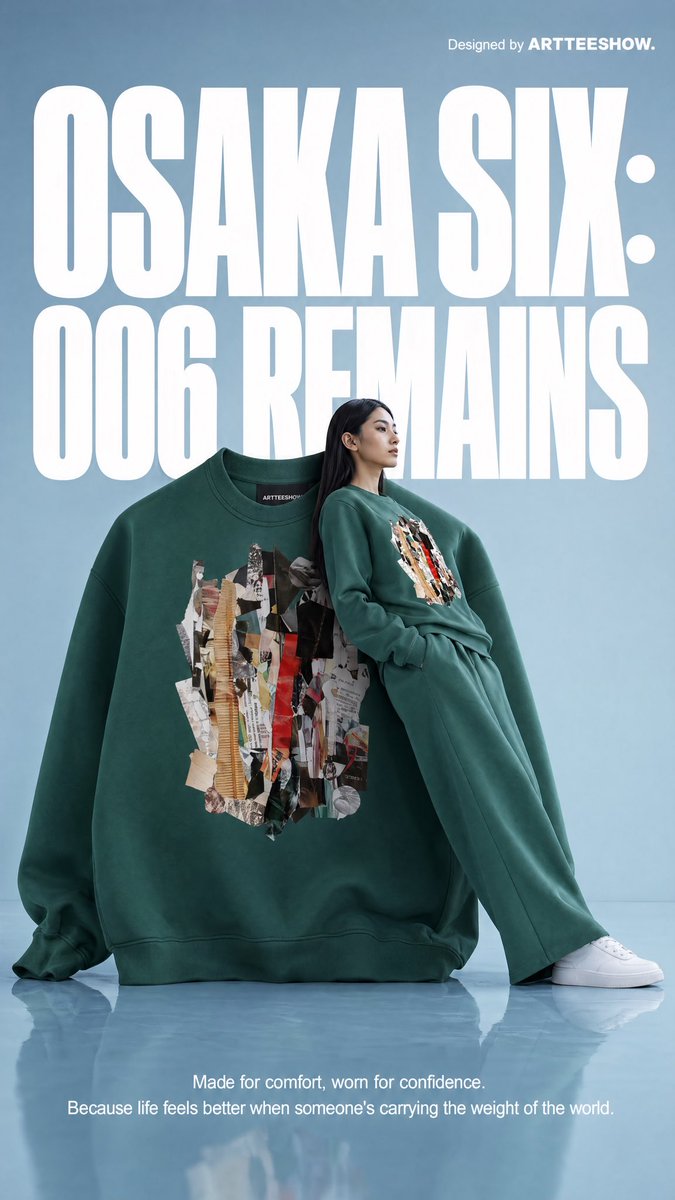
Editorial Osaka Six Sweatshirt Ad
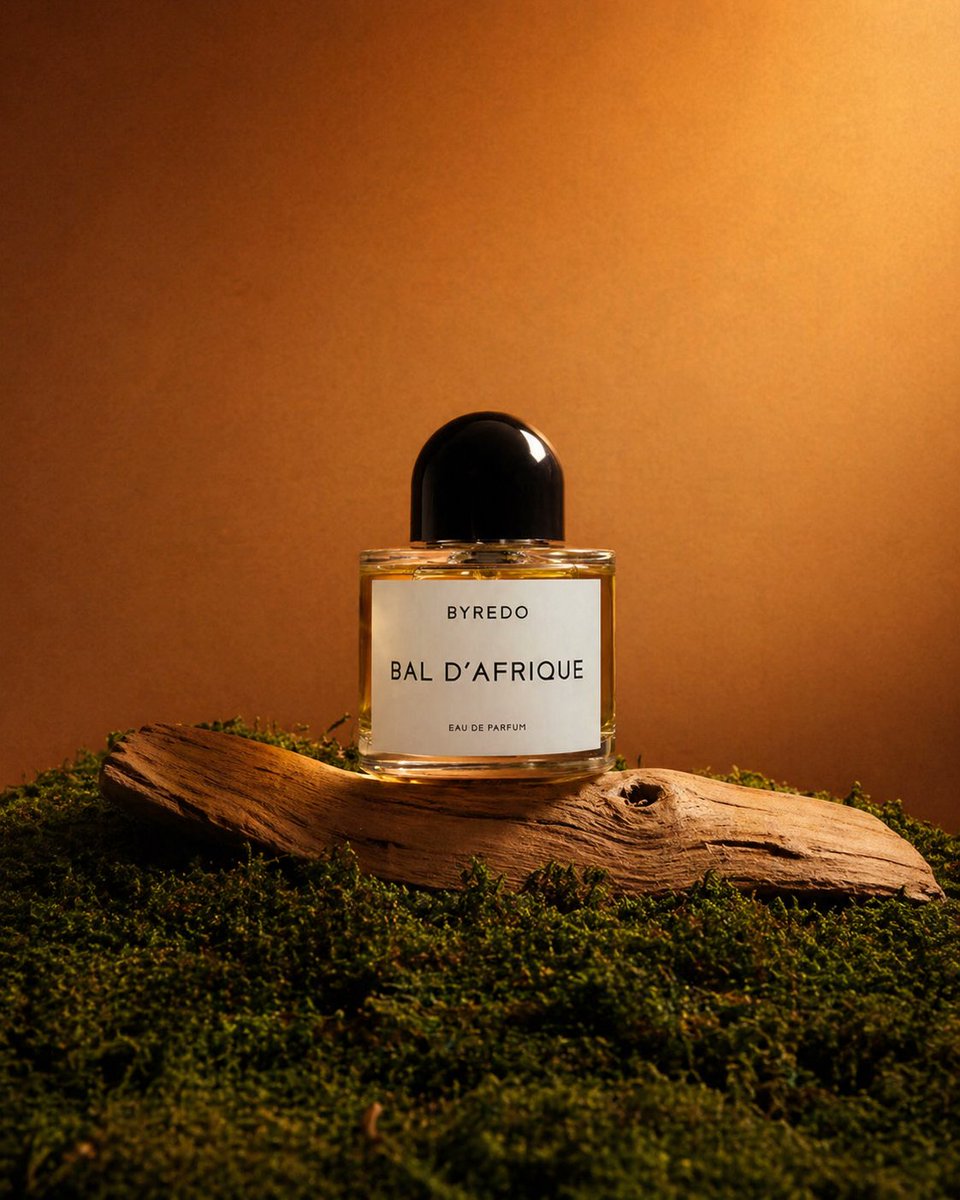
Editorial Perfume Shot on Moss
Image → Path → Video
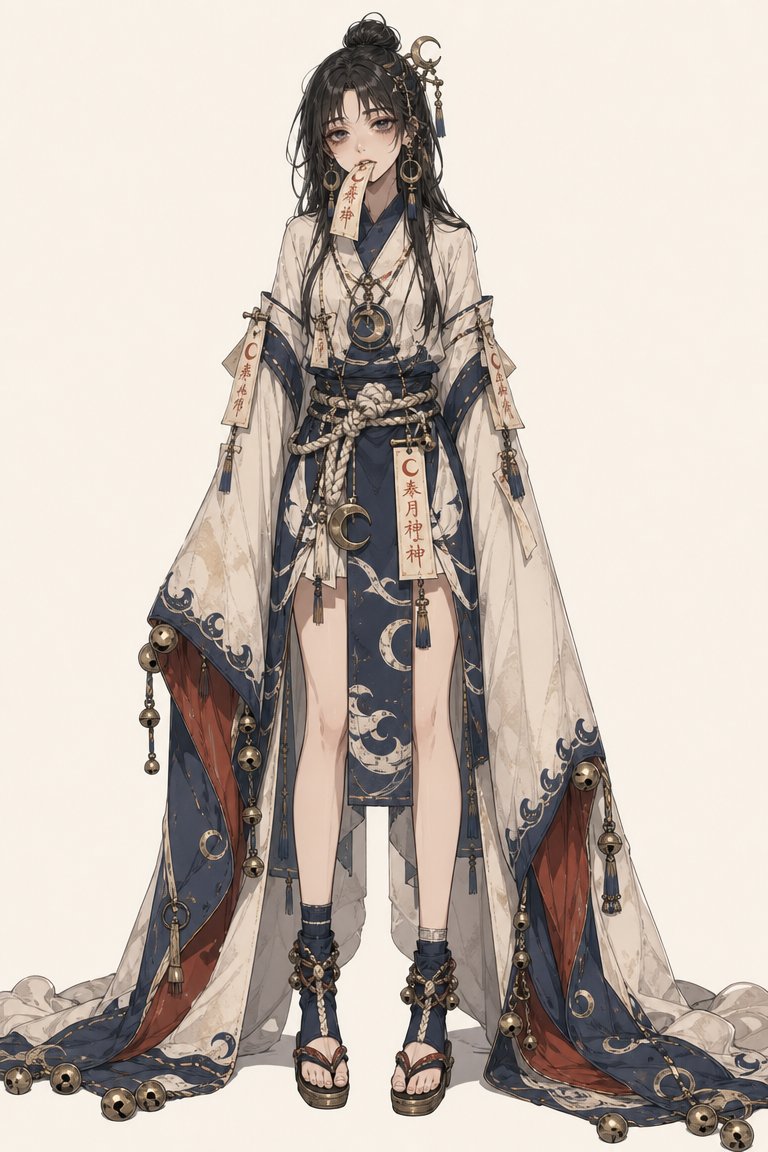
Generate the subject
Use text-to-image for a clean subject frame. Pick size and style, and editing is free.
Draw the motion path
Mark the trajectory with a motion brush to tell the model what moves and where. The key to controllable video.
Output & post-process
After generating, trim, add captions, swap music and adjust resolution, all in one place.
Image creation
View all →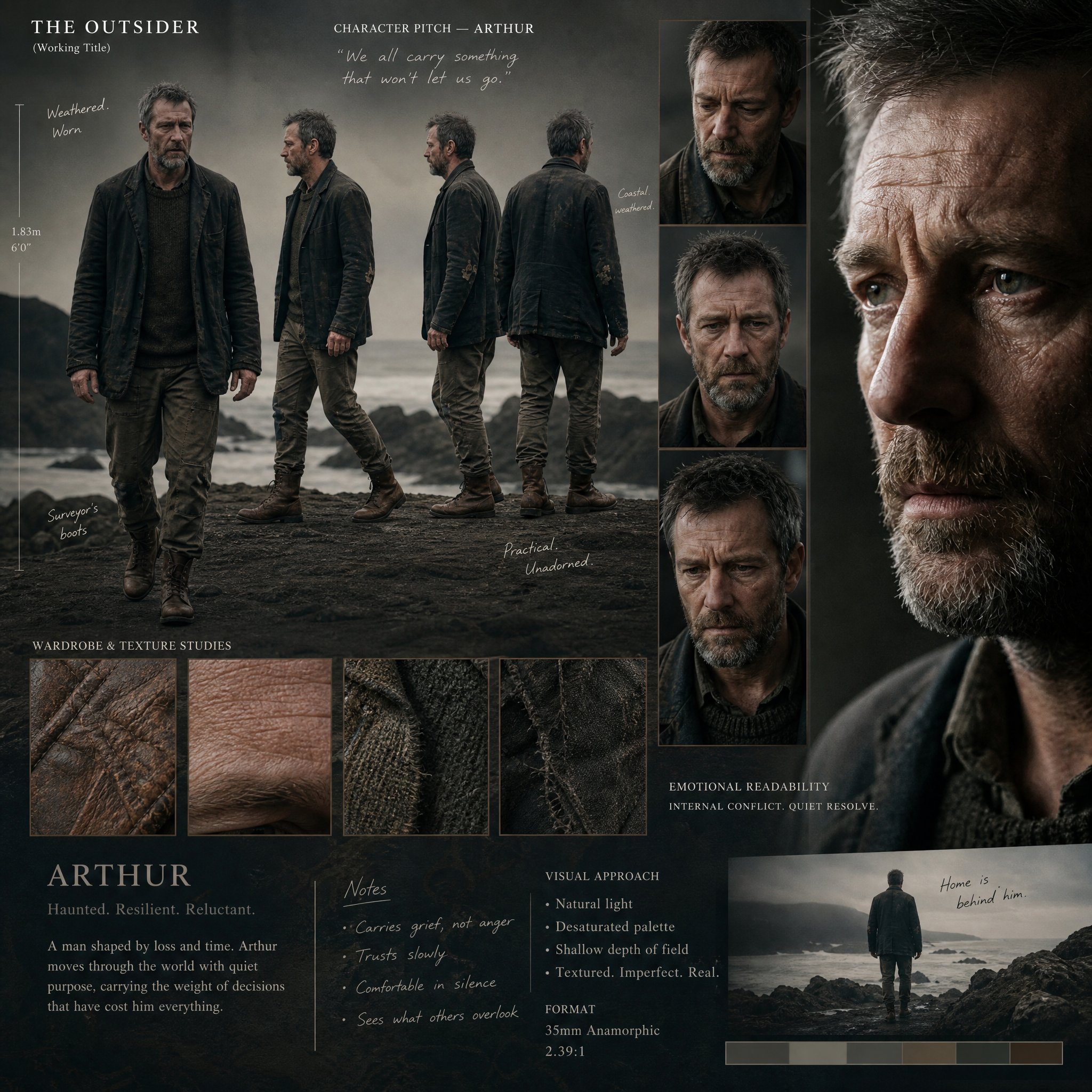
Generate
Text to image
Describe anything and choose from leading image models in one prompt box.
Free to tryTry →
E-commerce
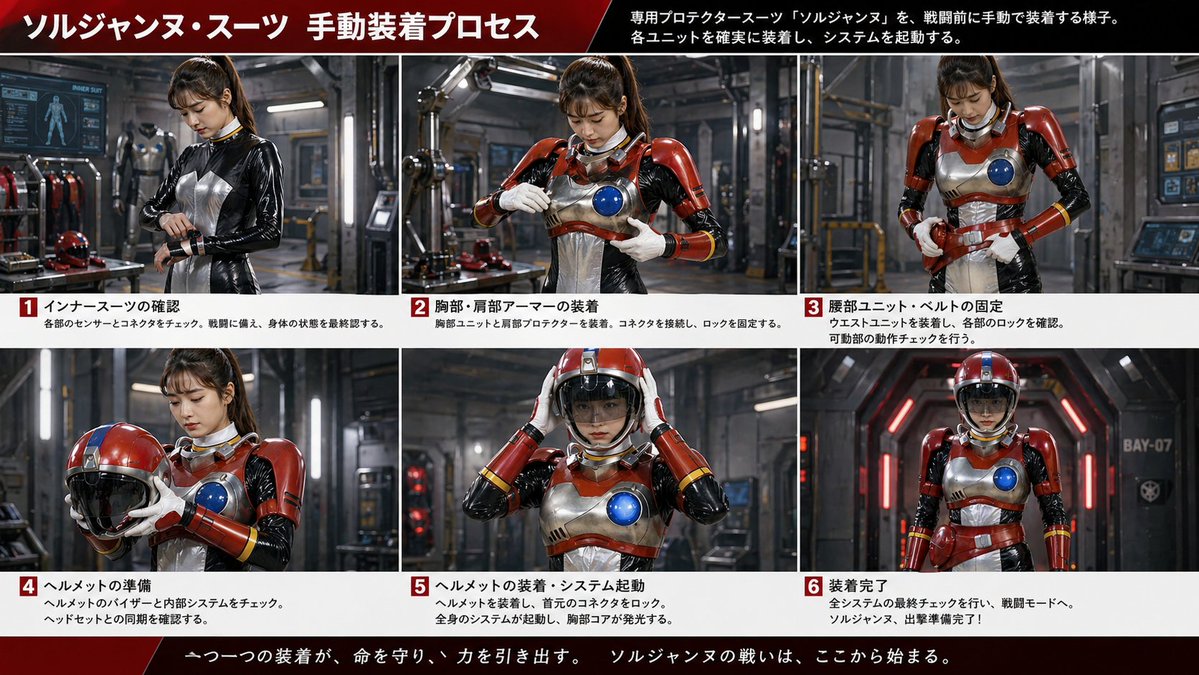
Product photo
Make studio-quality product shots without a physical studio.
Free to tryTry →
Marketing
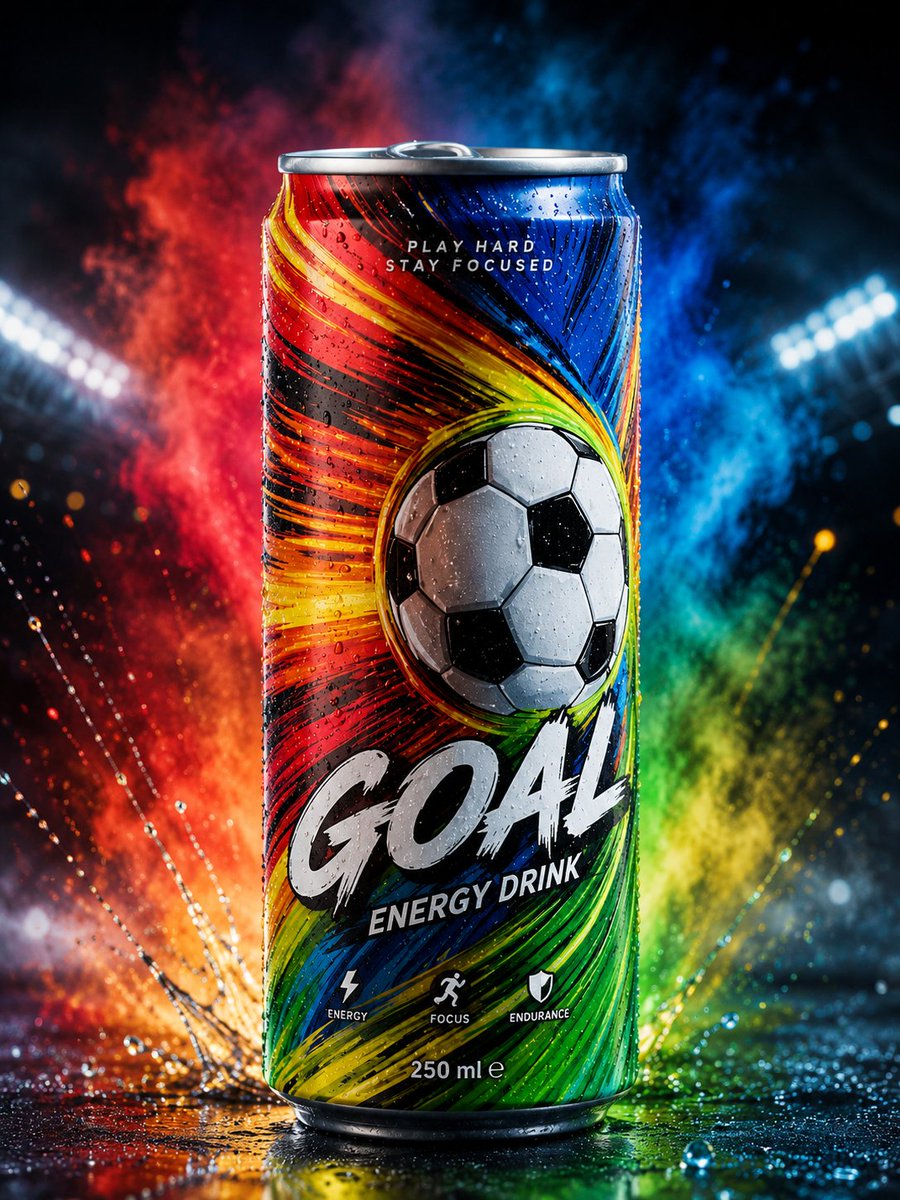
Ad creative
Produce campaign banners, social ads and branded visuals at scale.
Free to tryTry →
Branding
Logo generator
Generate focused brand marks from a short creative brief.
Free to tryTry →
Print
Poster maker
Design event posters, cinematic compositions and typographic layouts.
Free to tryTry →
Edit
Inpaint
Brush over the area to change while keeping the rest untouched.
Free 5/dayTry →
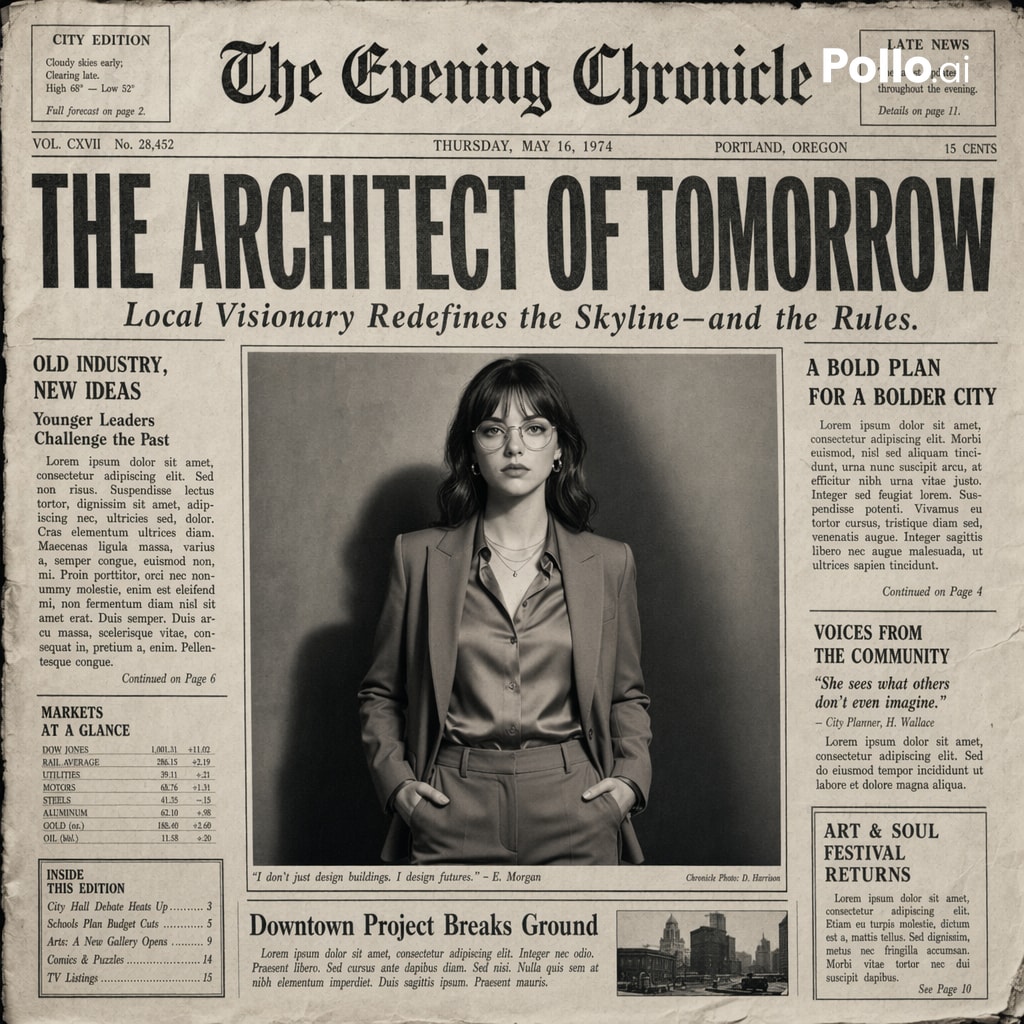
Edit
Remove background
Create clean cutouts in seconds, free for up to five images a day.
Free 5/dayTry →
Video creation
View all →Video
Image to video
Bring an image to life and control how its subjects move.
Free to tryTry →
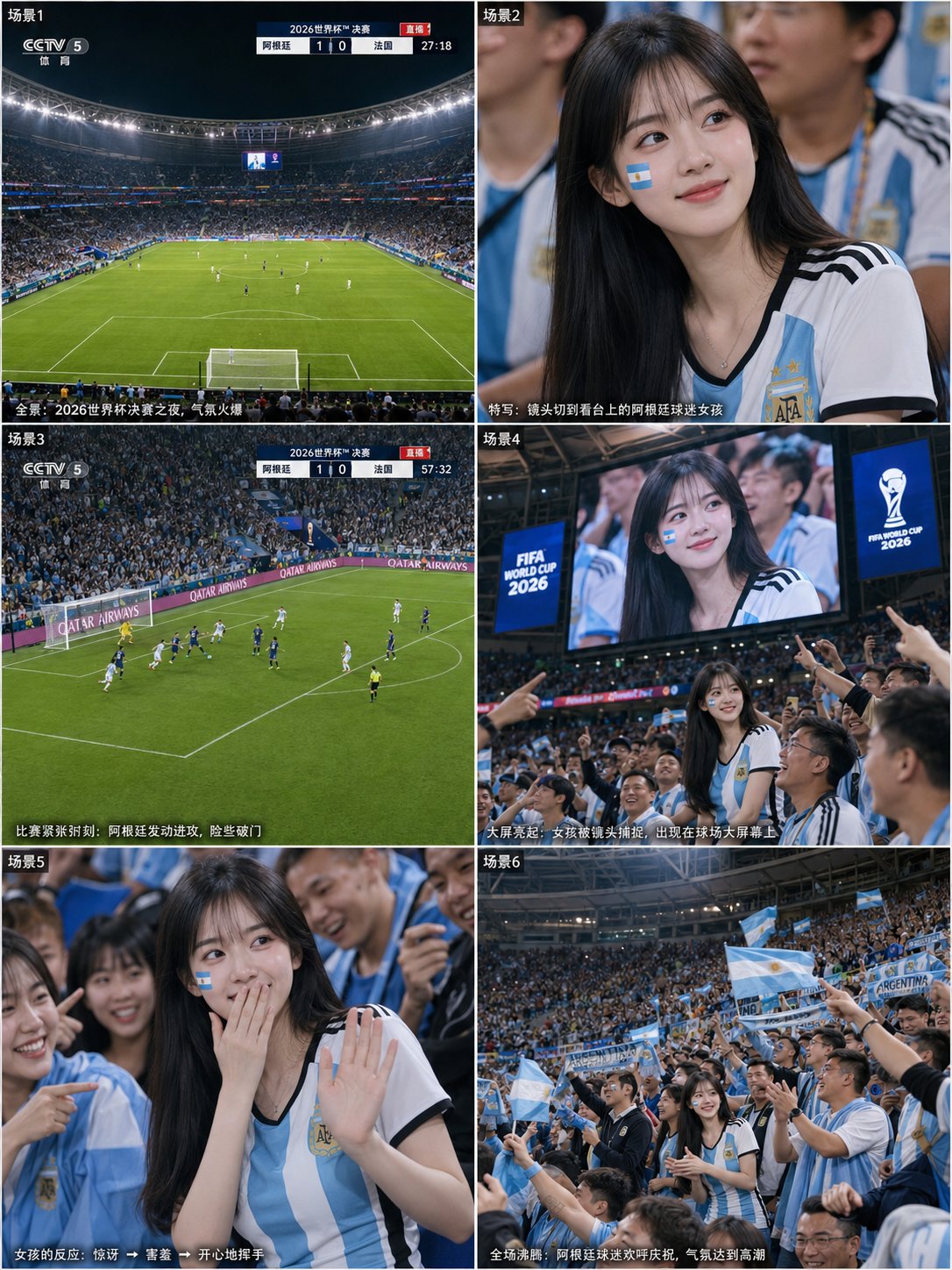
Video
Text to video
Describe a scene, select a model and generate a clip.
Free to tryTry →
Effects
FPV path motion
Draw camera paths directly on the image for controlled movement.
Free to tryTry →
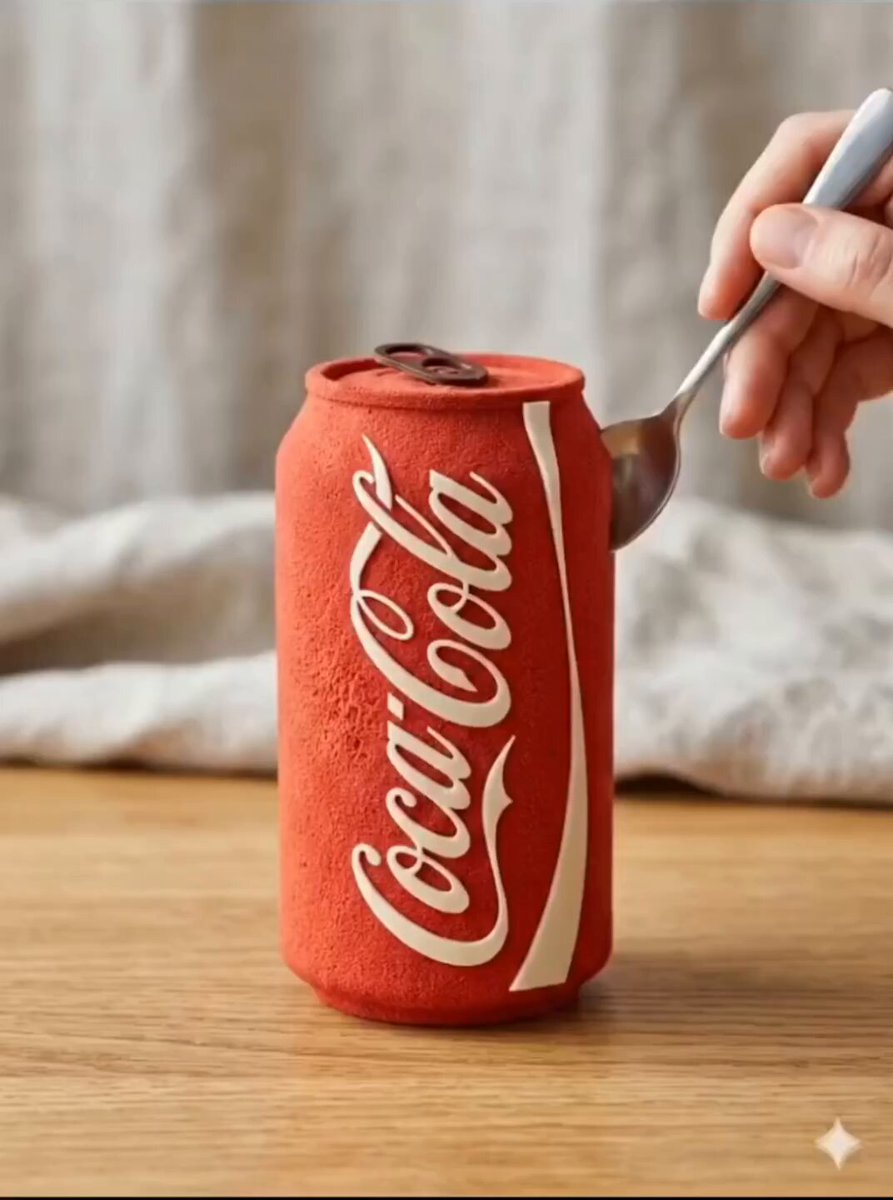
Effects
Anime transform
Turn an image or video into animated cel art.
Free to tryTry →
Audio
AI music
Generate background tracks and sound effects from a text brief.
Free to tryTry →
Audio
Text to speech
Create natural speech in multiple languages and tones.
Free to tryTry →
Video
Reference video
Use an existing clip as a motion or style reference.
Free to tryTry →
Credits that match your output.
Every generation shows its exact cost before you submit. These examples use a five-second 720P Seedance video at 20 credits.
Frequently Asked Questions
Everything you need to know about VidLuma
Still have questions? Contact us atsupport@vidluma.com
Ready to turn your idea
into a visual?
Try it free. Sign in when you are ready to generate and save your creation.
Start creating free